UX DESIGN · BRANDING · DEVELOPMENT
Internal Tool UX/UI Design for SWIM
Redesigned a complex internal tool used for tracking well water levels, structured large amounts of data to be easily scanable and easily navigated.
The Challenge
This software tool was quite complex, including hourly data points from dozens of wells that needed to be monitored, graphed, and easily understood by regular users.
My Role
Information Architecture, User Research, UX/UI Design
Timeline
2 weeks user research | 1 week wireframing & asset creation | 3 weeks design & prototyping | 2 weeks revisions & testing
Outcome
Transformed the user experience and removed major pain points, making the software easy to navigate even by new users.
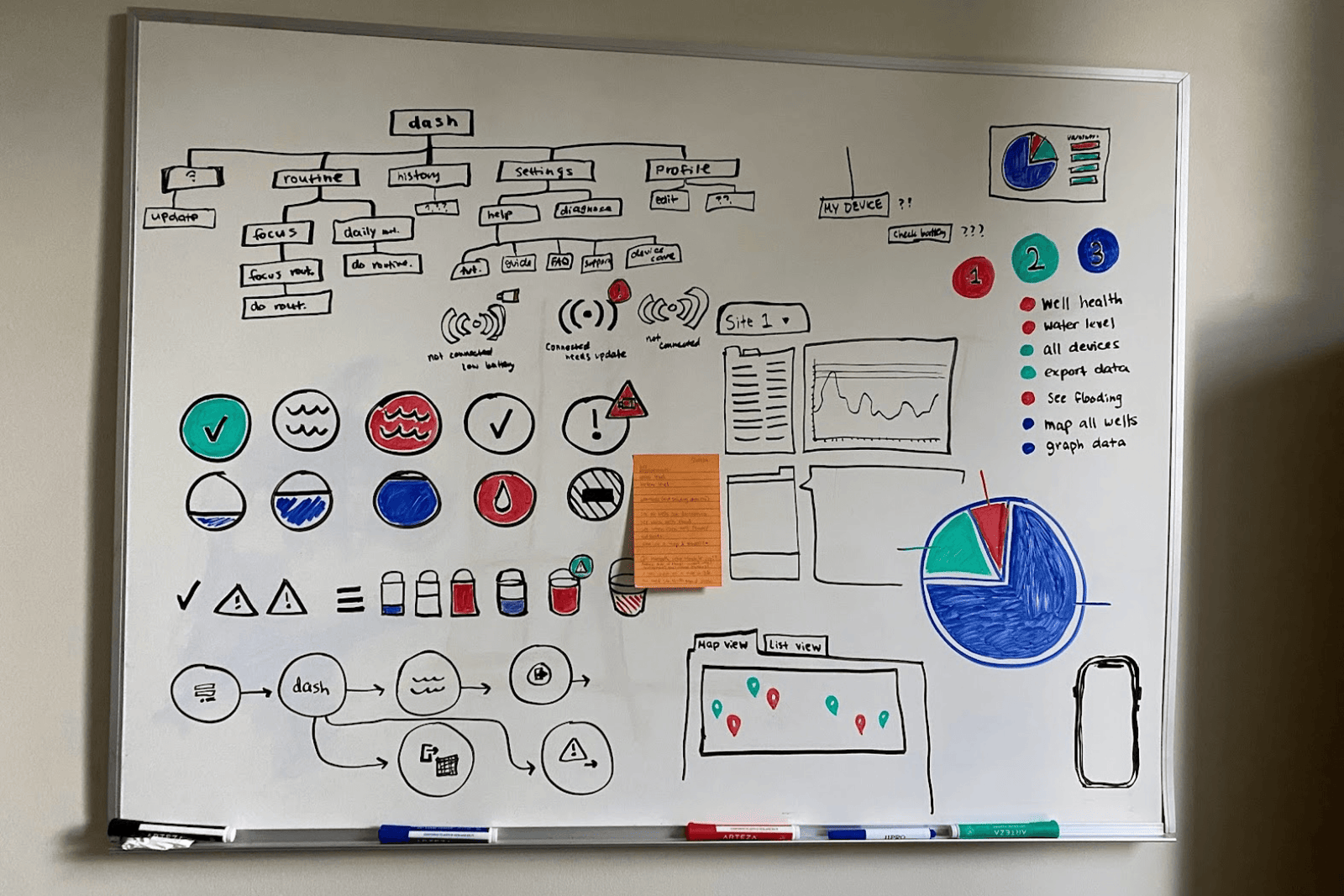
Restructing the Information Architecture
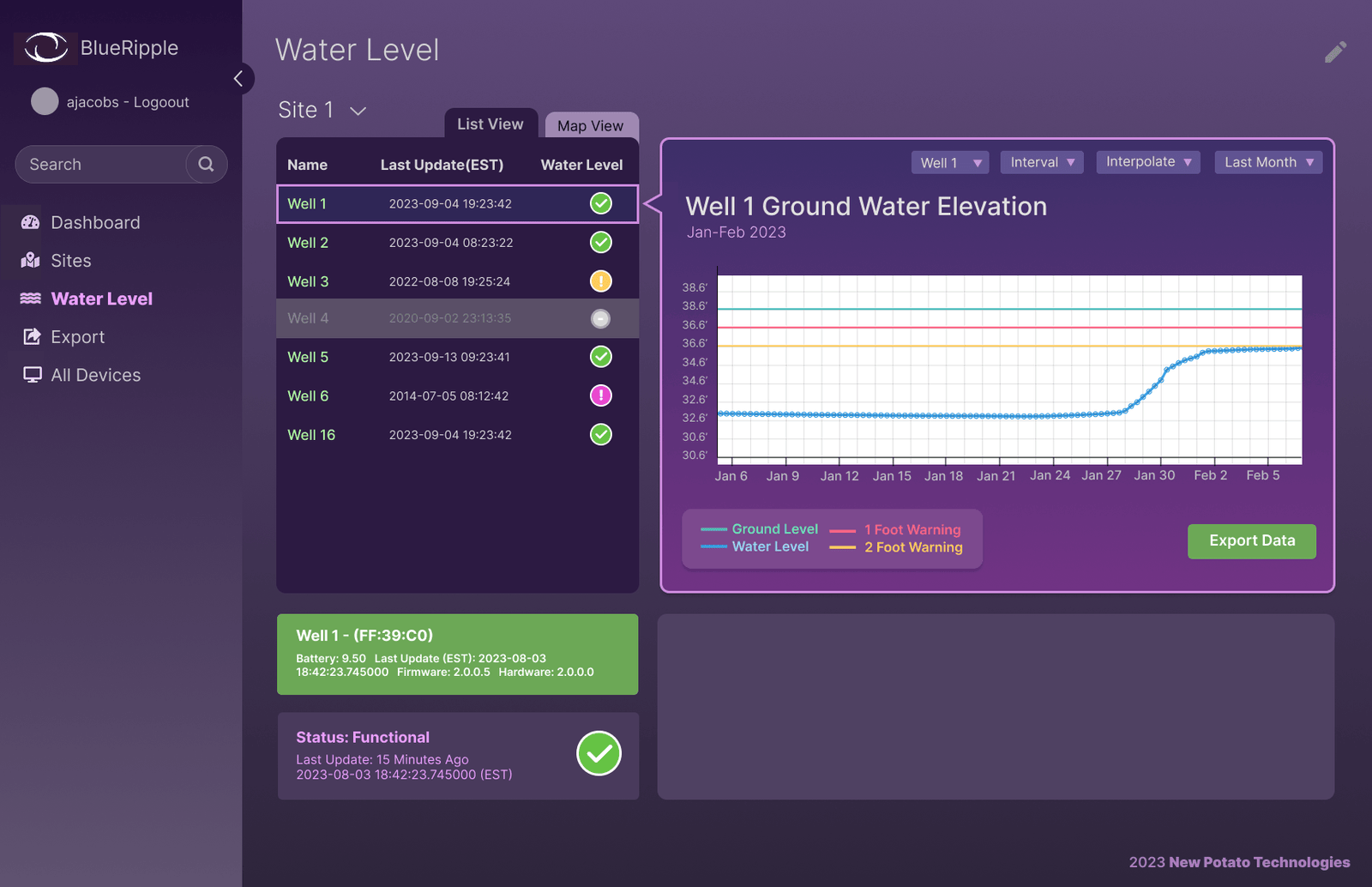
This well tracking tool handles hundreds of data points per hours, making it difficult to scan and navigate. I reorganized the information architecture around how users needed to monitor and compare well data, creating clearer navigation, grouping related information, and prioritizing the most important data points.
Prototyping
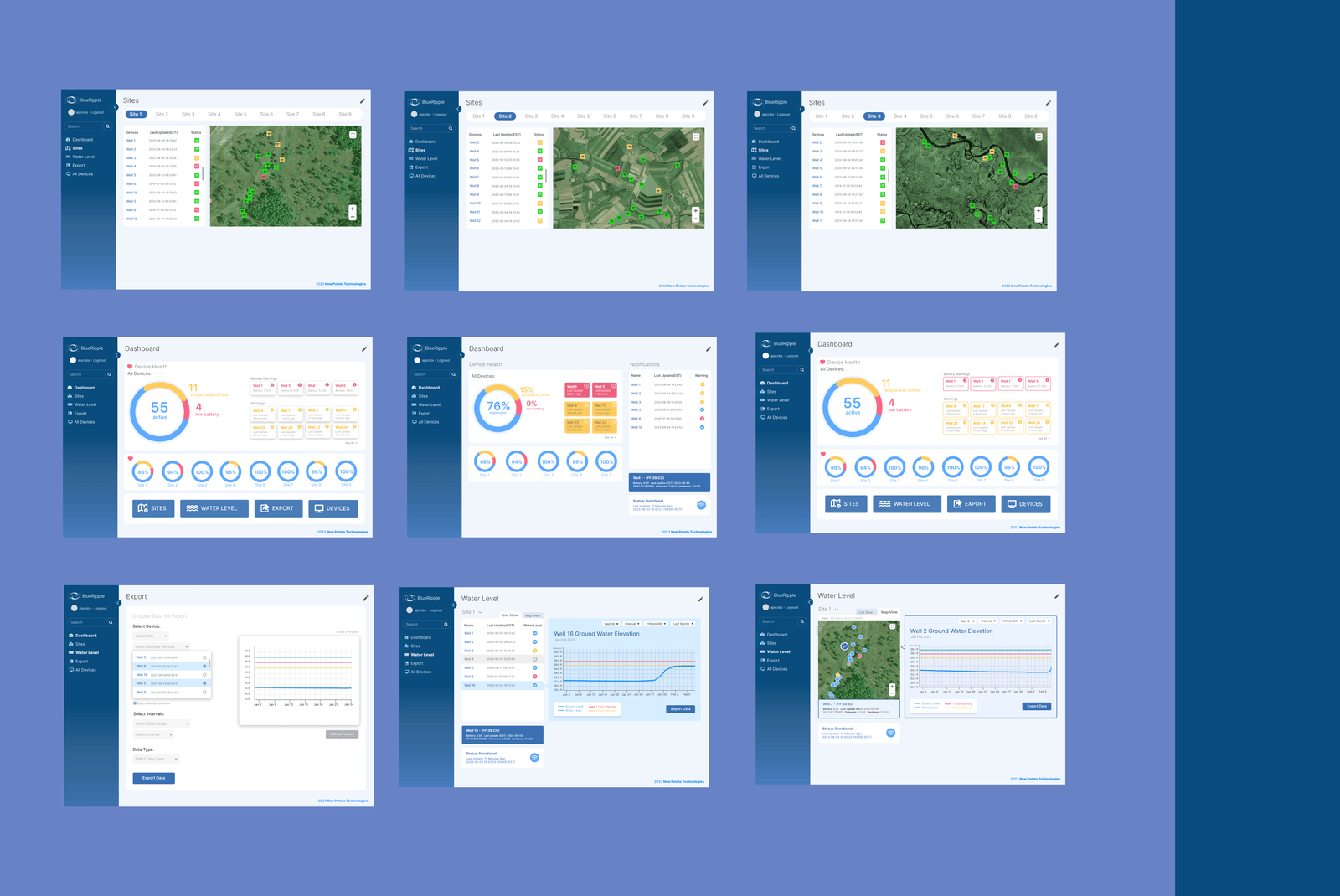
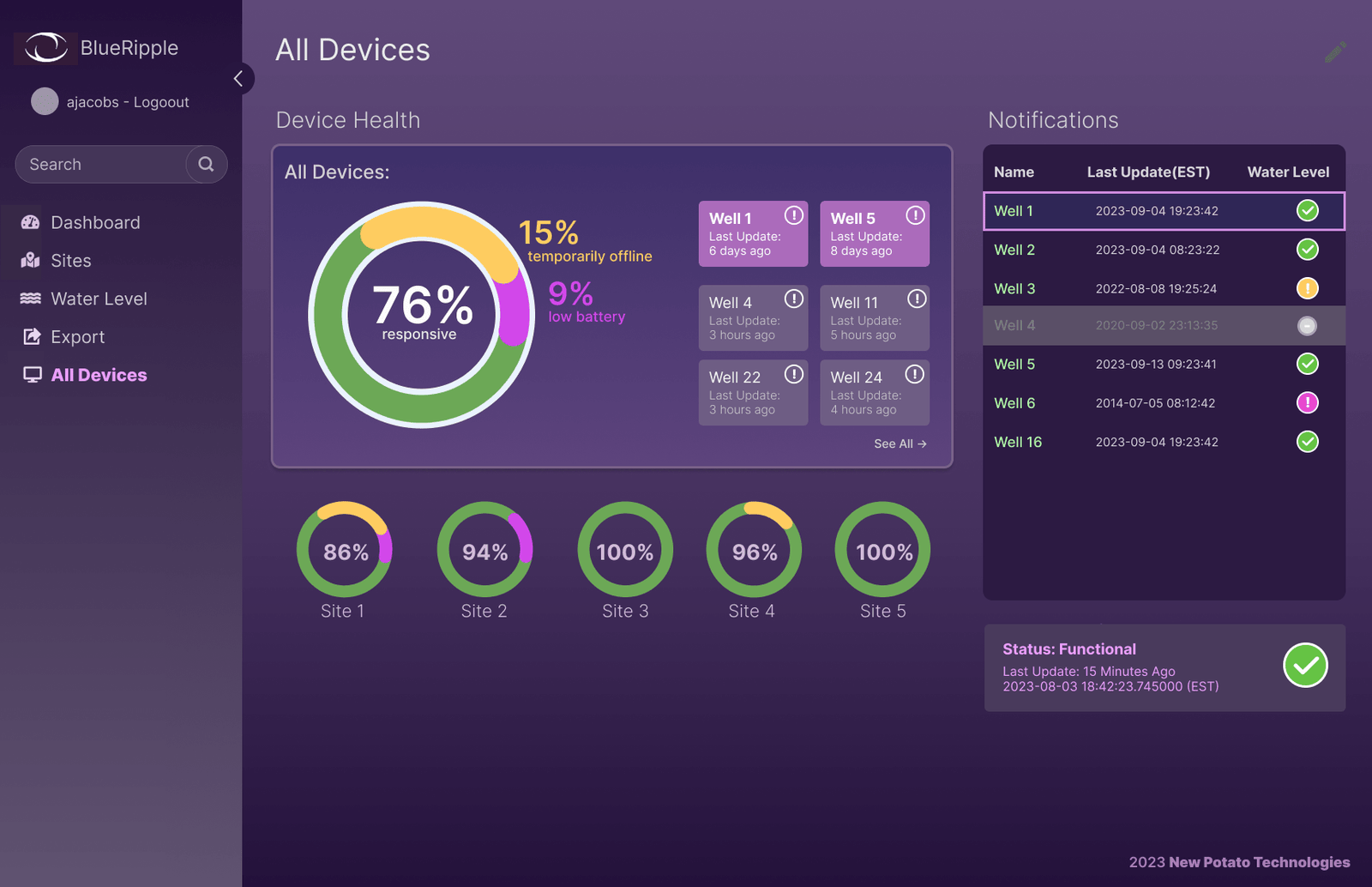
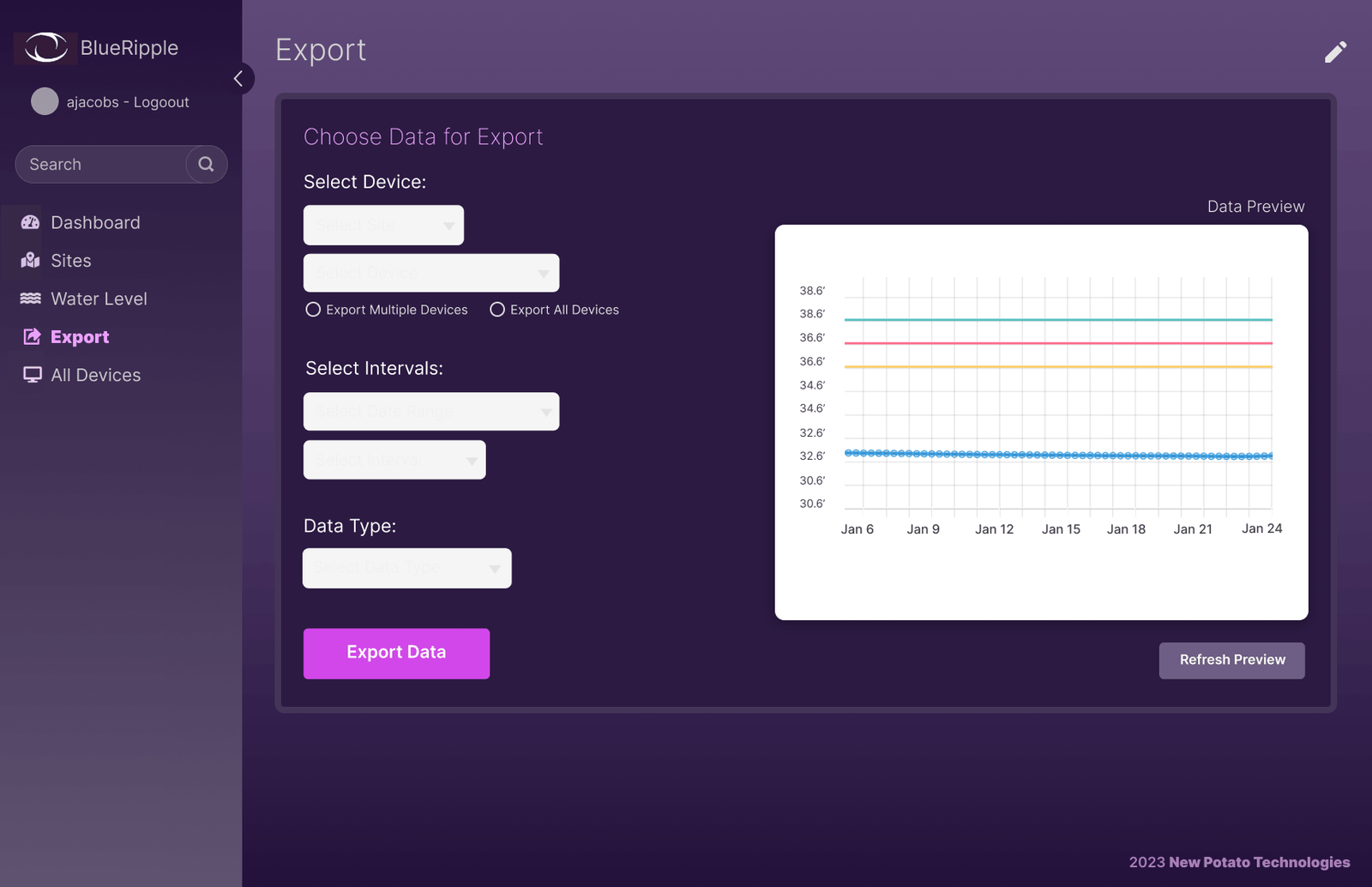
I translated the new structure into wireframes and then interactive prototypes, exploring ways to make complex data easier to understand at a glance. Dashboards, graphs, navigation, and supporting UI elements were designed to give both experienced and new users a clear path through the tool.
Testing & Revisions
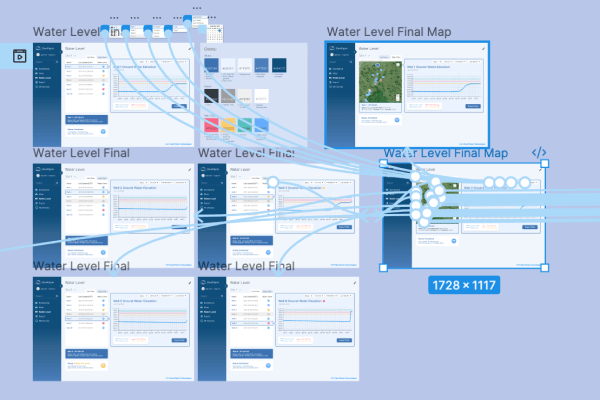
User testing helped identify remaining pain points and areas where the interface could be simplified. Based on feedback, I refined the navigation, layouts, and interactions through multiple rounds of revisions, resulting in a tool that was significantly easier for new users to learn and for existing users to navigate.
5+
New features added
20%
Decrease in app size
10hrs
Testing with real users